
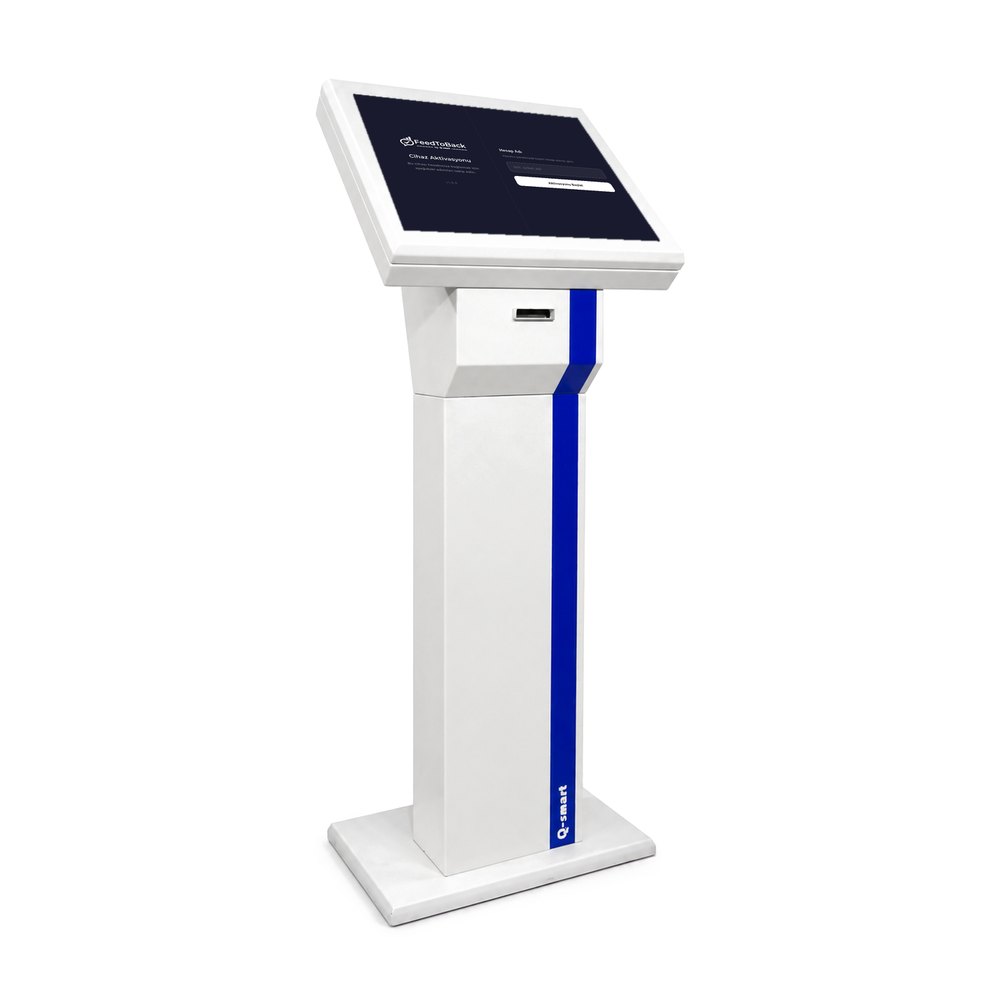
Kiosk in 3 Steps
1Get the link from the dashboard
2Open it in the screen’s browser
3Confirm the 6-digit code
Works with Chrome, Chromium and Firefox.
Every Question Type on the Kiosk
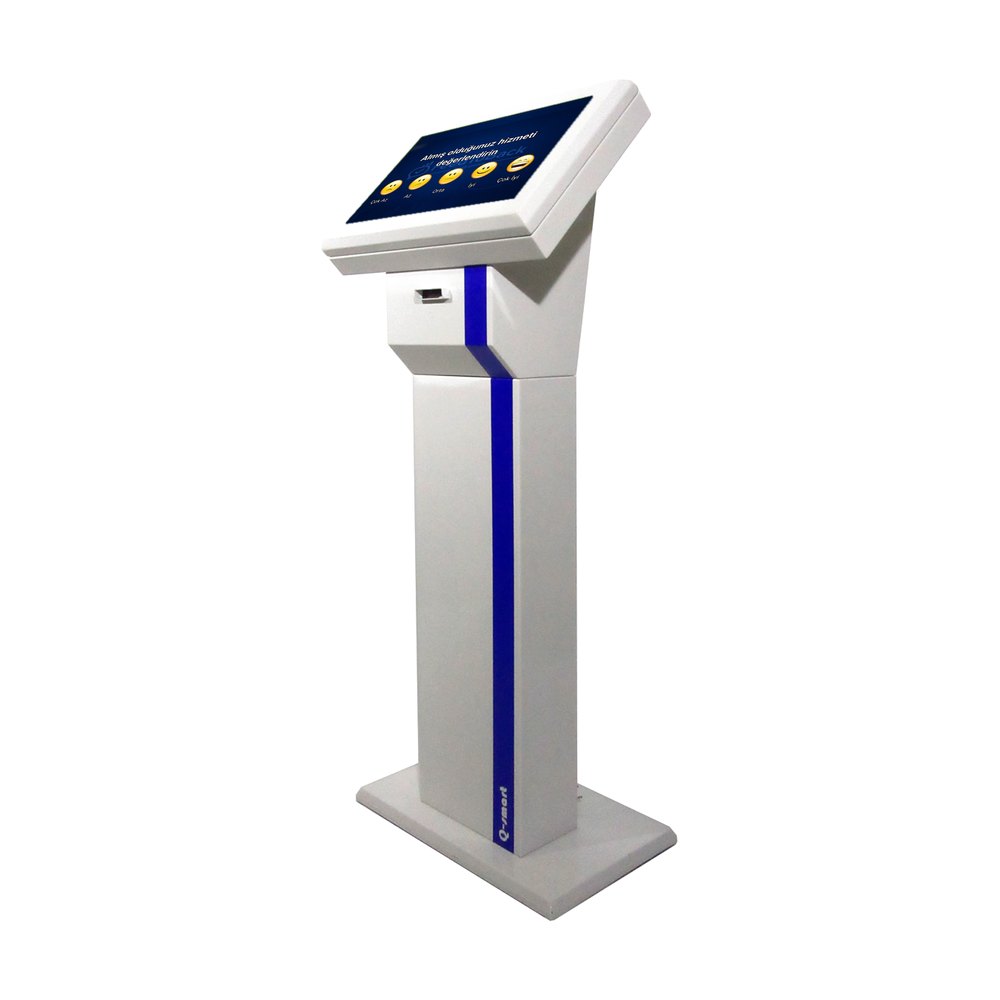
Emoji rating
Large screen, visible from a distance.
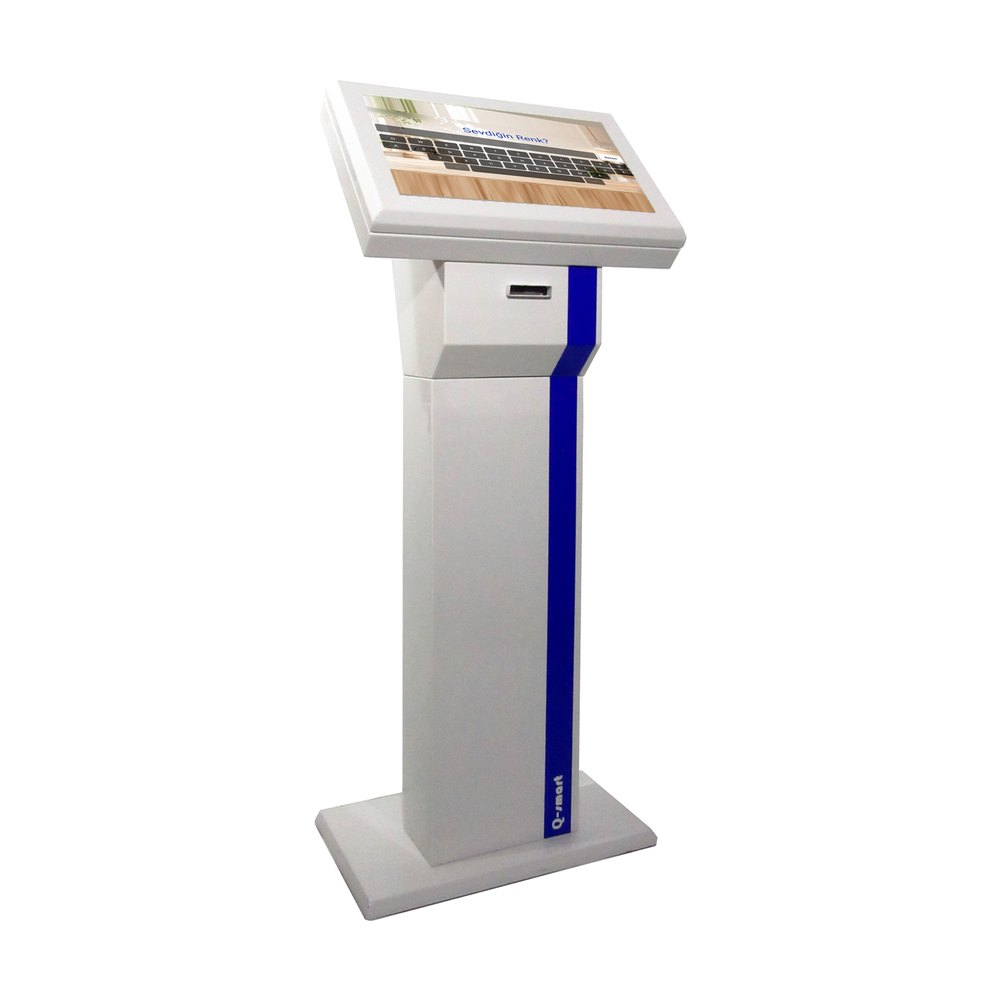
Written comment
A short note with the on-screen keyboard.
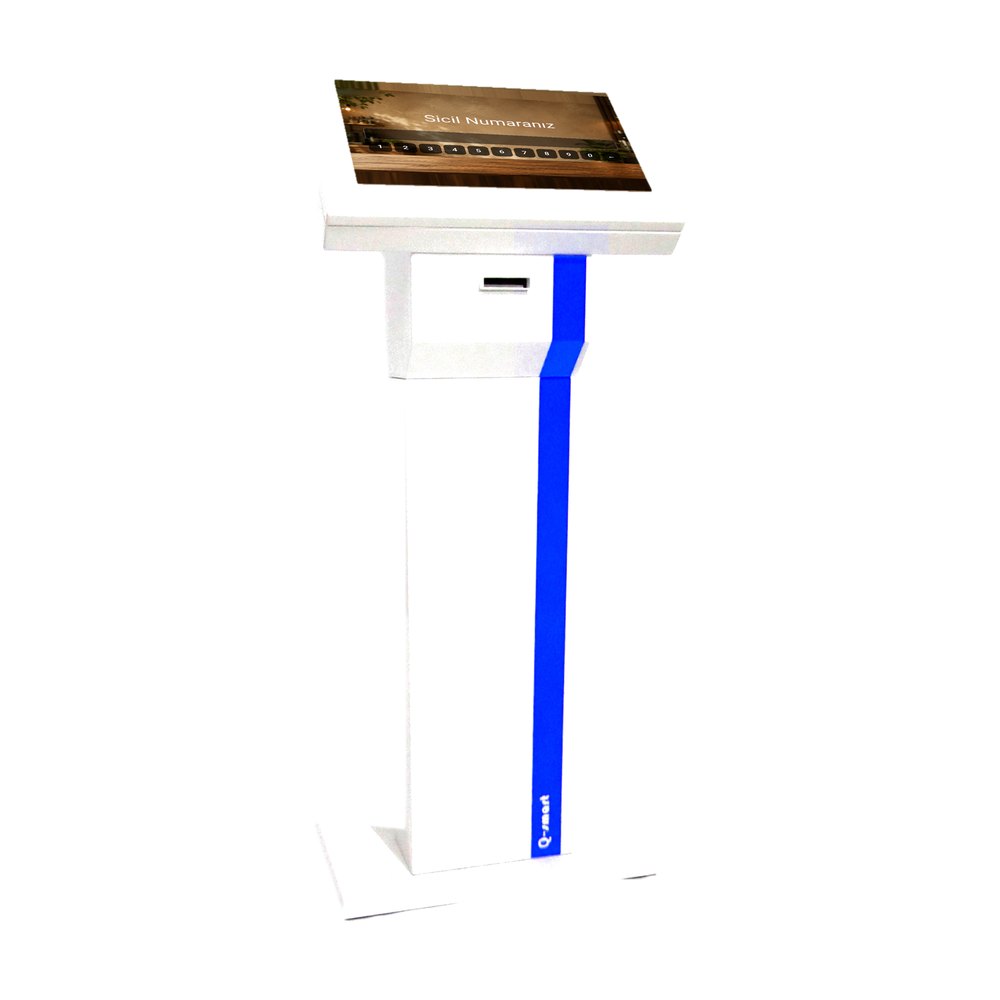
Number entry
Employee or member number.
Card Voting: One Vote per Card per Day
- Works with your existing staff or member cards
- The same card cannot vote twice on the same day
- Identities never appear in reports
Measure outsourced services such as canteen, shuttle and cleaning through the votes of the people who use them.
Nothing to Install, Same Dashboard
- Runs from a single link
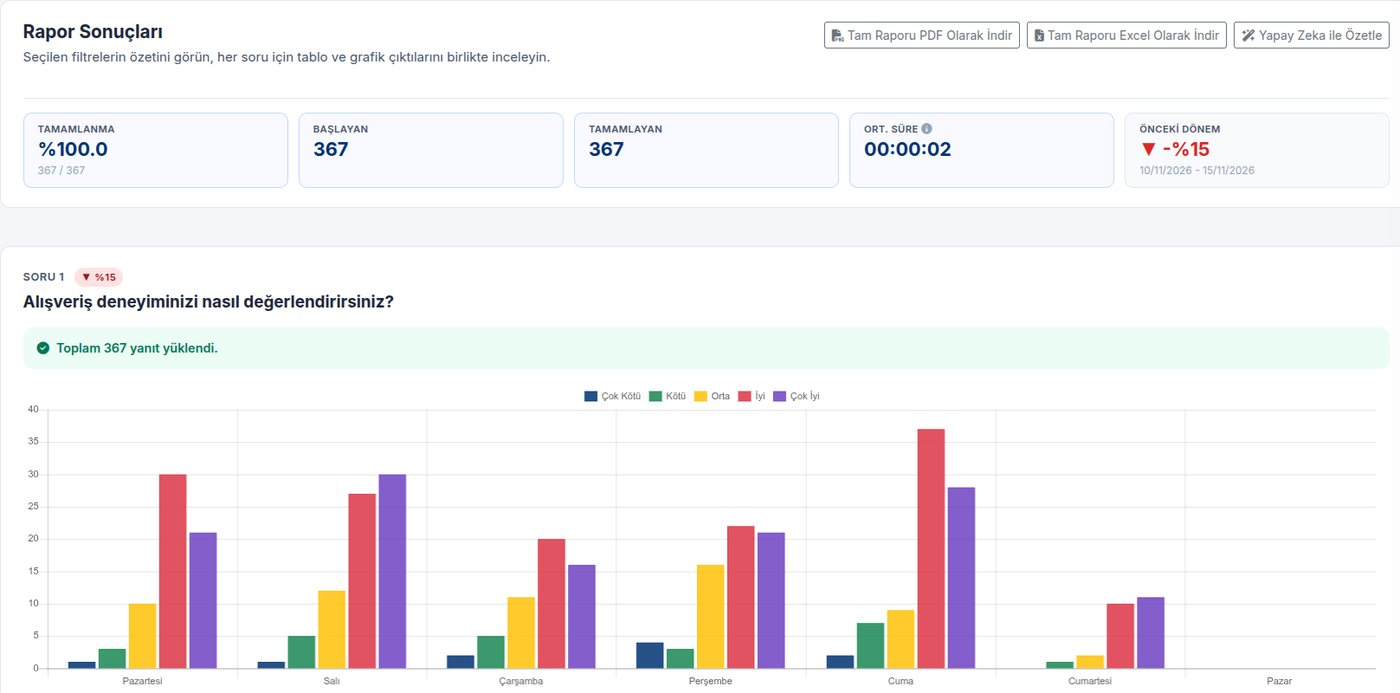
- Answers appear in the same reports as Touch and tablets
- Shows campaign images and video when idle
€15 per device per month. Requires an internet connection.
For offline collection, Touch devices start at €24 per month.
Free pilot
Try It at Your Own Locations First
1Choose the locations
2We set up the devices
3See the data for 4–6 weeks