
How it works
Ready in 3 Steps
1
Download the app
Download the FeedToBack Customer Survey app for free from the App Store or Google Play.
2
Approve with your account
Approve the device with your account name in the management panel; your custom survey flow downloads automatically.
3
Start collecting
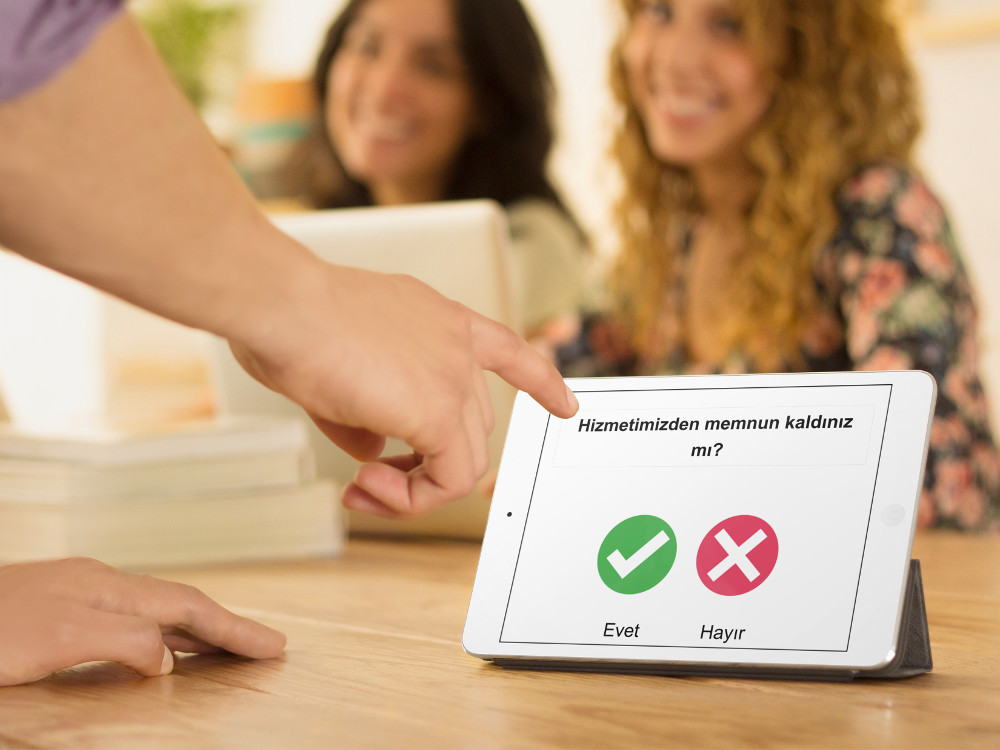
The tablet switches to kiosk mode, and your customers complete the survey in seconds by tapping the screen.
Features
What’s in the Tablet App?
Kiosk mode
The tablet is locked to a single app, so customers cannot switch to other screens.
Emoji-based screens
Large touch targets and a clear interface for a self-explanatory experience.
Instant sync
When survey content or design is changed in the panel, the tablet updates itself.
Works even when offline
Keeps collecting responses when the internet drops and sends the data once reconnected.
Screensaver
Plays your campaign images and MP4/WebM videos when idle; the playlist is updated from the panel.
Multilingual
Detects the device’s system language and adapts to different branch and country scenarios.
PIN-protected settings
Device settings are protected by an administrator PIN and locked against unauthorized changes.
Clock and weather
Optionally shows the time and weather information on screen.
Requirements
Which Tablets Does It Work With?
- iPad and iPhone: iOS 15 or later
- Android: tablets that can install apps from Google Play
- Account: a registered account in the FeedToBack management panel is required
- Trial: with a free 30-day trial account you can test the survey flow before installation
For a long-term fixed installation that requires no additional hardware, also take a look at FeedToBack Touch devices.
Get Started with Your Tablet Today
Open a free trial account and try the app on your own tablet.