
Problem
Dissatisfaction Is Often Noticed Too Late
An issue in the store often reaches headquarters only after it has turned into a complaint or a lost customer.
- Email and SMS surveys get delayed responses and low response rates.
- Problems only become visible once they turn into complaints or losses.
- Stores are compared manually in Excel files.
- Field teams find out weeks later.
Solution
From Store to Panel, from Panel to Action
With FeedToBack, the customer’s response reaches the right person within seconds.
1
The customer responds
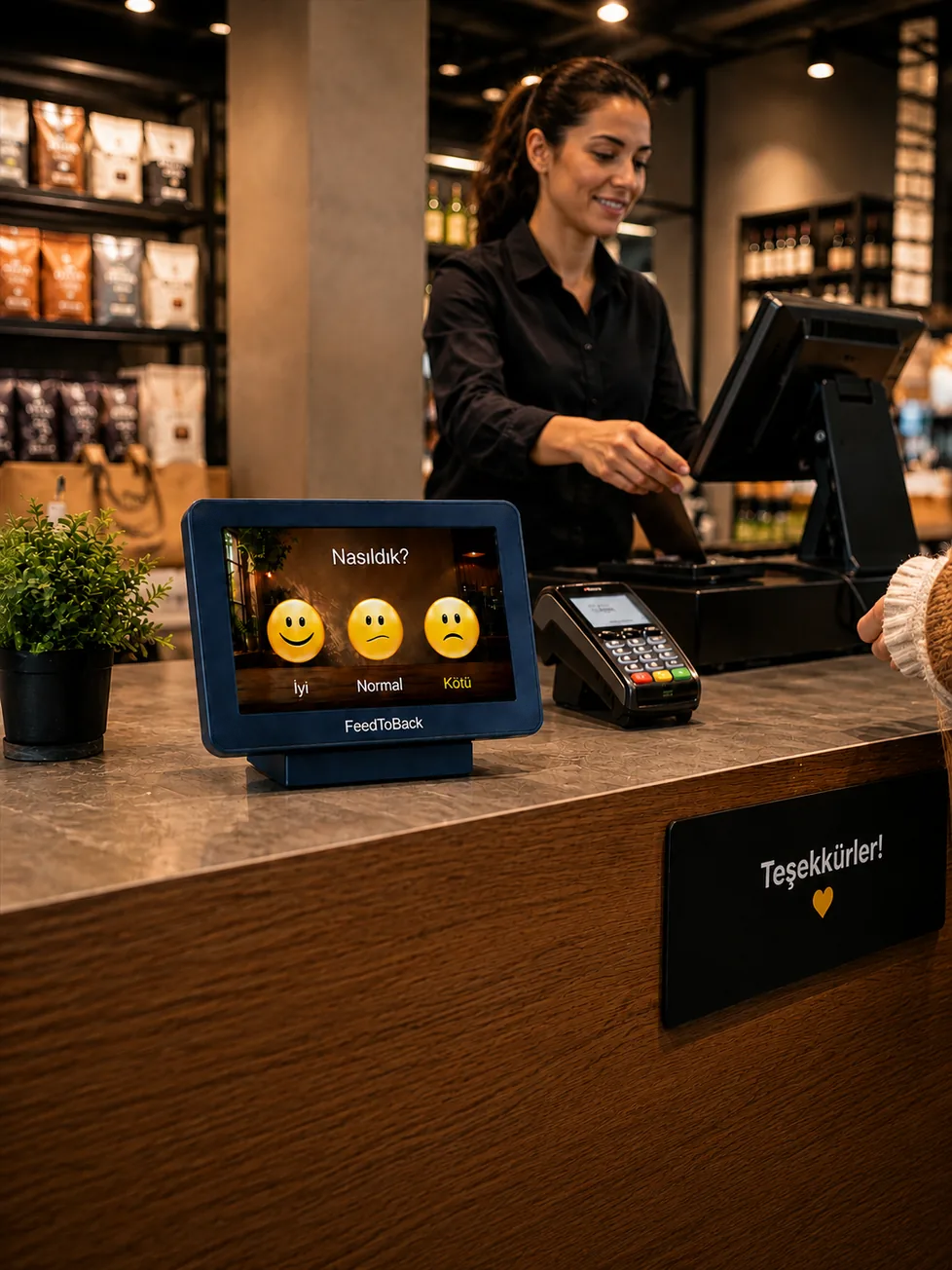
At the checkout, the counter or in the aisle; with a single tap on a Touch device, tablet or kiosk screen.
2
Data appears instantly
All stores are monitored live in a single panel and compared by store, time and device.
3
The right person takes action
A notification is sent when a threshold is exceeded; an optional AI summary explains what has changed.
In-store touchpoints
Ask the Right Question at the Right Moment
01
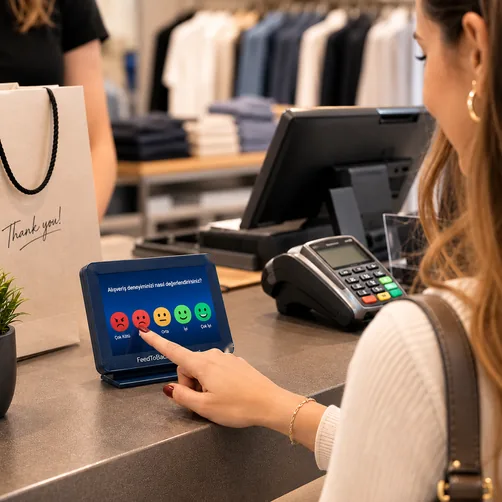
Checkout and exit
“How was your experience today?” Overall satisfaction at the very end of the shopping trip.
02
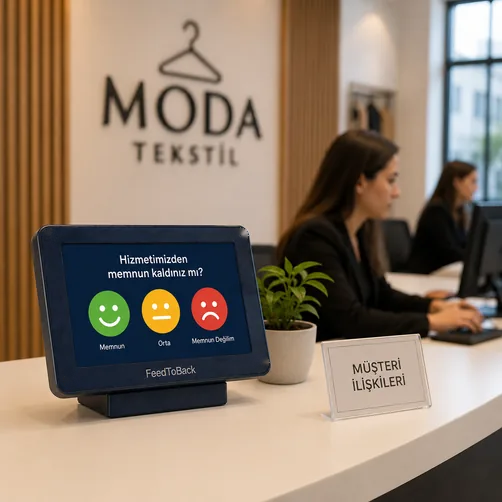
Information desk and waiting areas
Waiting time, staff attentiveness and whether the issue was resolved.
03
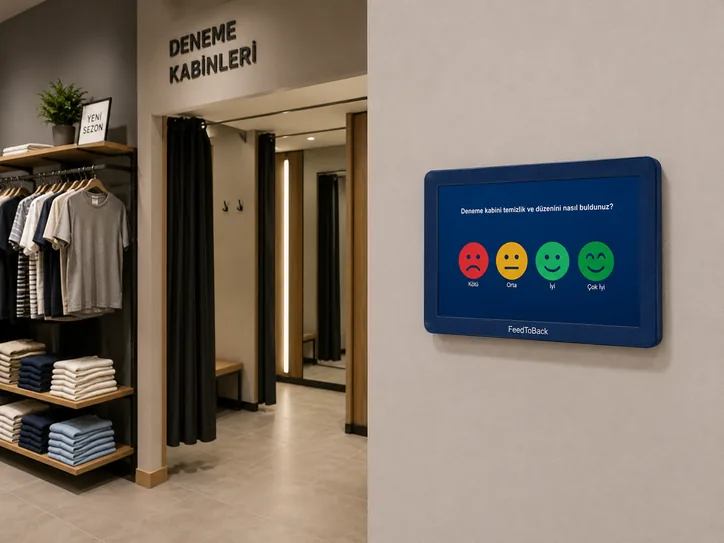
Products and aisles
Product availability, shelf layout, fitting rooms and campaign impact.
Flexibility
Already Have Tablets?
Start your pilot with the tablets you already have, and switch to FeedToBack Touch as you roll out. Both work together in the same panel.
iPad and Android tablets
A fast pilot and flexible setup with compatible tablets.
- Use your existing compatible hardware
- Ideal for pilots and quick setup
- Lower initial investment
FeedToBack Touch devices
Purpose-built for reliable, uninterrupted use.
- Designed for permanent installations
- Reliable 24/7 operation
- Standard hardware across all stores
Live showcase
Not a Blank Screen, but a Live Showcase
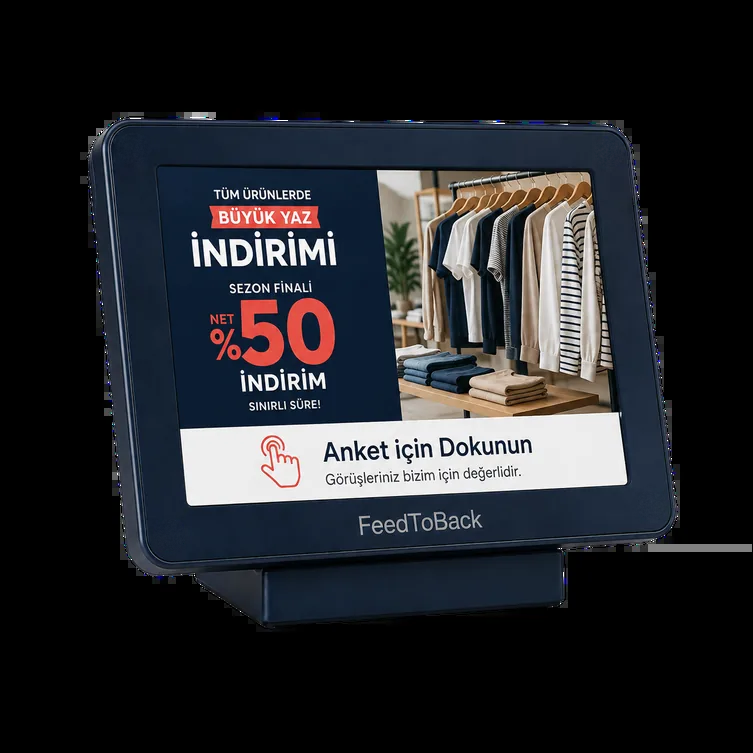
Let the store speak while the survey waits: an idle device automatically switches to displaying campaigns and promotions.
- Scheduling: idle time before switching from 10 seconds to 1 hour, display time from 5 seconds to 10 minutes; configurable per store and device.
- Central playlist: content is uploaded from the panel and syncs to devices automatically; no restart required.
- Format: images and MP4/WebM videos in the tablet app and kiosk; images adapted to the resolution on Touch devices.
Management
5 Stores or 500, All from a Single Panel
The same management logic, the same visibility: management stays simple as your chain grows.
One central hub
All devices and surveys are managed from a single panel.
Regional and store managers
Sub-user accounts with restricted permissions can be set up.
Permission-based views
Each user sees only the stores and devices they are authorized for.
Pairing in minutes
A new device is paired with the account and receives its survey within minutes.
Reporting
Make Decisions Without Exporting the Numbers
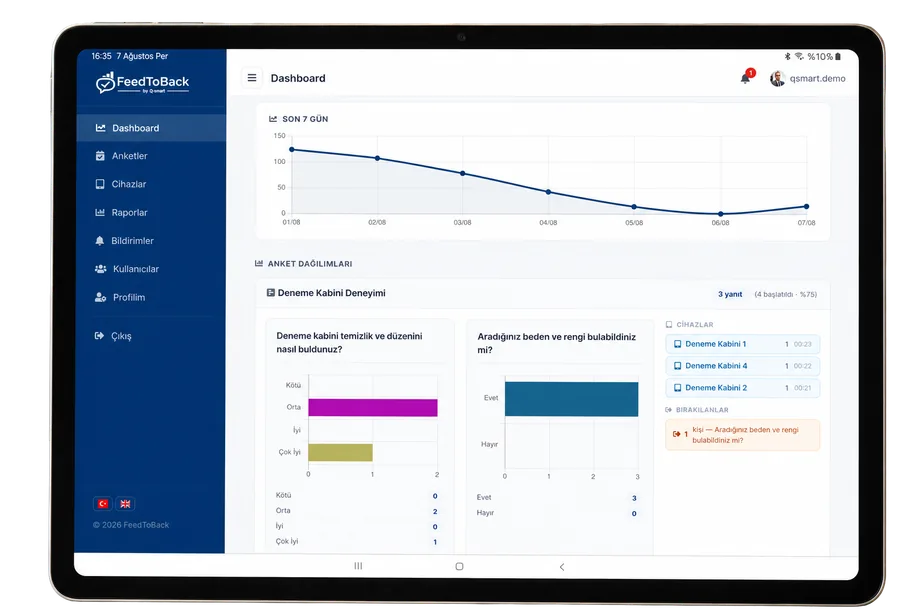
- Live satisfaction and completion view
- Store and campaign comparison
- Filtering by date, time and device
- Excel, PDF and printable output
Notifications
Alert the Right Person Before the Problem Grows
1
Performance drops
Satisfaction, completion rate or device status moves outside the threshold you set.
2
The system evaluates
Rules are defined per store, device and recipient.
3
The right person is informed
The regional or store manager is alerted instantly by email or push notification.
Artificial intelligence
Not a Pile of Numbers, but a Clear Summary
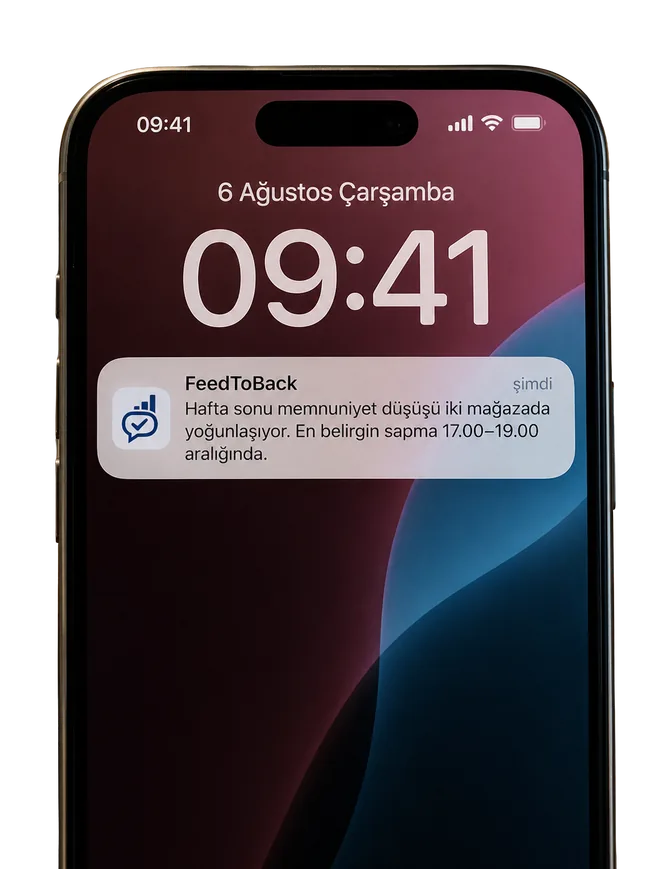
Instead of tables and distributions, you receive a short summary explaining what has changed and why it matters.
“The weekend drop in satisfaction is concentrated in two stores. The most significant deviation is between 17:00 and 19:00.”
AI features are optional (opt-in); usage is logged and the account owner stays in control.
Security
Controlled Access at Enterprise Scale
- Isolated data: each account’s data is kept within its own scope.
- Separate roles: administrator, account and sub-user (store manager) roles are kept separate from one another.
- Authentication: session-based and API key-based authentication is used.
- Traceable AI: AI features are optional and can be audited via the usage log.
- Dedicated server: corporate customers are served on a dedicated server.
Value
Let the Data Speak, Let Teams Take Action
Branch comparison
View performance side by side by store, time slot and team.
Rapid response
Notifications and alerts to field teams within seconds.
Campaign impact
Compare before and after launches and campaigns.
Loyalty
Identify measurable areas for improvement that drive repeat visits.
Let’s Start Somewhere
See real data with a four-week pilot in the stores you choose, then scale up together.