
Home / Solutions / Banking and Finance
Banking and Finance
Measure the Branch Experience Every Day, in Every Branch
For banks, insurance companies and financial institutions: see the branch experience, from the teller counter to the customer advisor, in a single panel.
No setup feeMonthly billingSame-day replacementData hosted in Germany
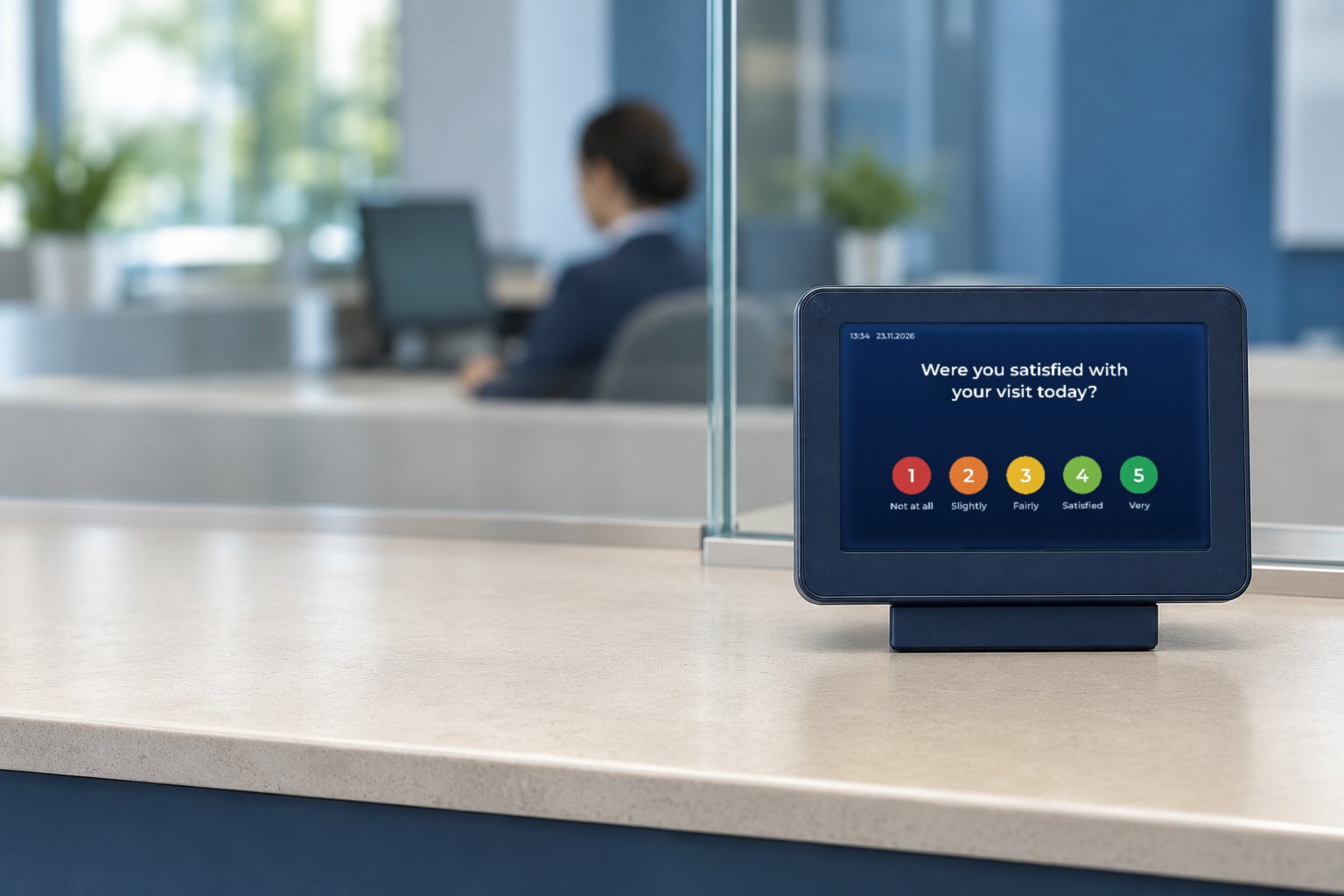
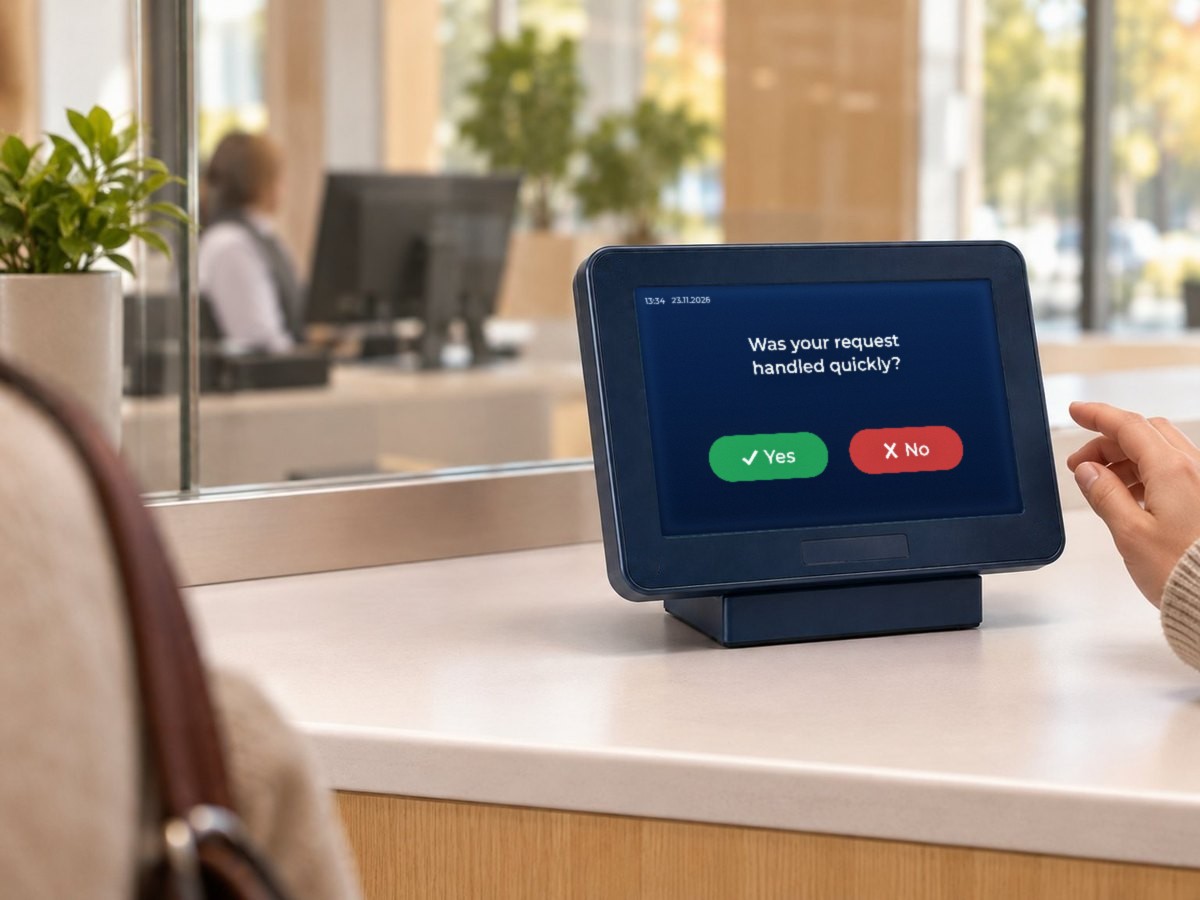
Problem
The Branch Experience Gets Lost in the Averages
Phone and email surveys arrive late and response rates stay low; problems at branch level and by time of day remain invisible.
- When customers are called days after their transaction, they no longer remember the experience.
- The performance of hundreds of branches cannot be compared.
- Waiting time and service issues during peak hours go unrecorded.
Example scenario
A Five-Second Rating at the Counter
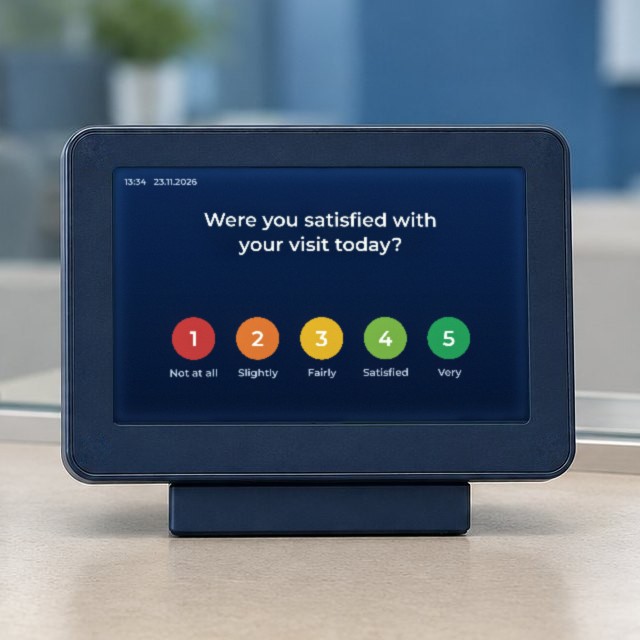
The customer rates right after the transaction; a low score asks for the cause.
01
Score from 1 to 5
The device at the counter asks about the transaction; the customer rates with one tap.
02
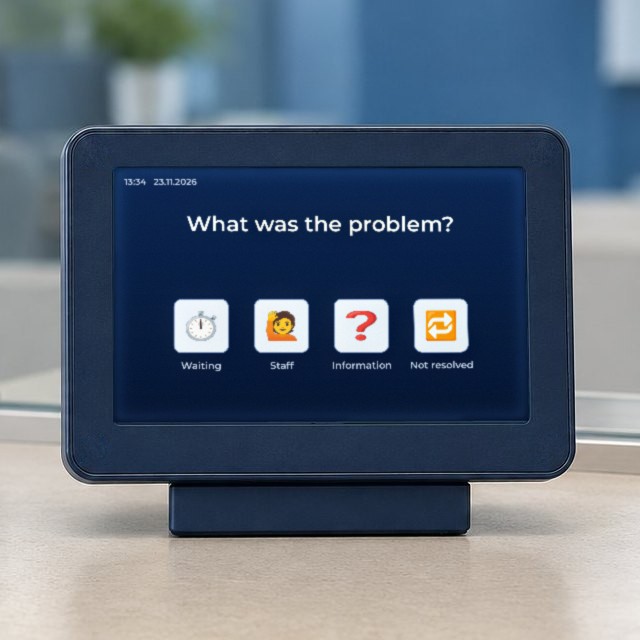
What was the problem?
A low score lets the customer pick waiting time, staff, information or an unresolved request.
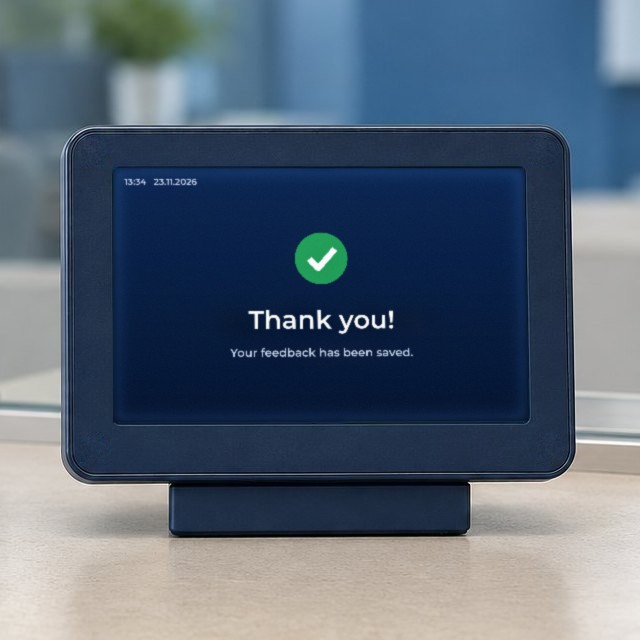
03
Thank you
The answer is stored with branch, counter and time.
Flow
From Vote to Action
1
Customers rate
At the counter, at the advisor’s desk or at the exit.
2
The branch manager sees it
When low scores cross the threshold, branch and regional managers are notified.
3
Branches are compared
By region, branch and time, with the same measure.
Touchpoints
Feedback the Moment the Transaction Ends
The device is placed at the teller counter, at the customer advisor’s desk or at the branch exit.
Teller counter
Speed and accuracy of the transaction and the attitude of the staff.
Retail and corporate desks
The attentiveness of the customer advisor and the information provided.
Waiting area
Waiting time and the branch environment.
Branch exit
Overall satisfaction and likelihood to recommend.
Sample questions
A Survey Completed in Seconds
- Were you satisfied with your transaction today?
- How would you rate the waiting time?
- Did our advisor resolve your query?
- Would you recommend our branch to your family and friends?
A negative answer opens a follow-up question, making clear whether the issue was waiting time, information or attitude.
Management
For Regional and Branch Managers
Branch comparison
See performance side by side by region, branch and time of day.
Permission-based views
Regional and branch managers see only the branches and devices they are authorized for.
Controlled access
Each account’s data is kept within its own scope; corporate customers are served on a dedicated server.
Details on management, the live showcase and AI-powered summaries for multi-branch organizations are on the Retail page.
Let’s Start in the Branches You Choose
See the branch experience in data with a four-week pilot in a few branches.
1Choose the locations
2We set up the devices
3See the data for 4–6 weeks